



PST Bridge for Mac
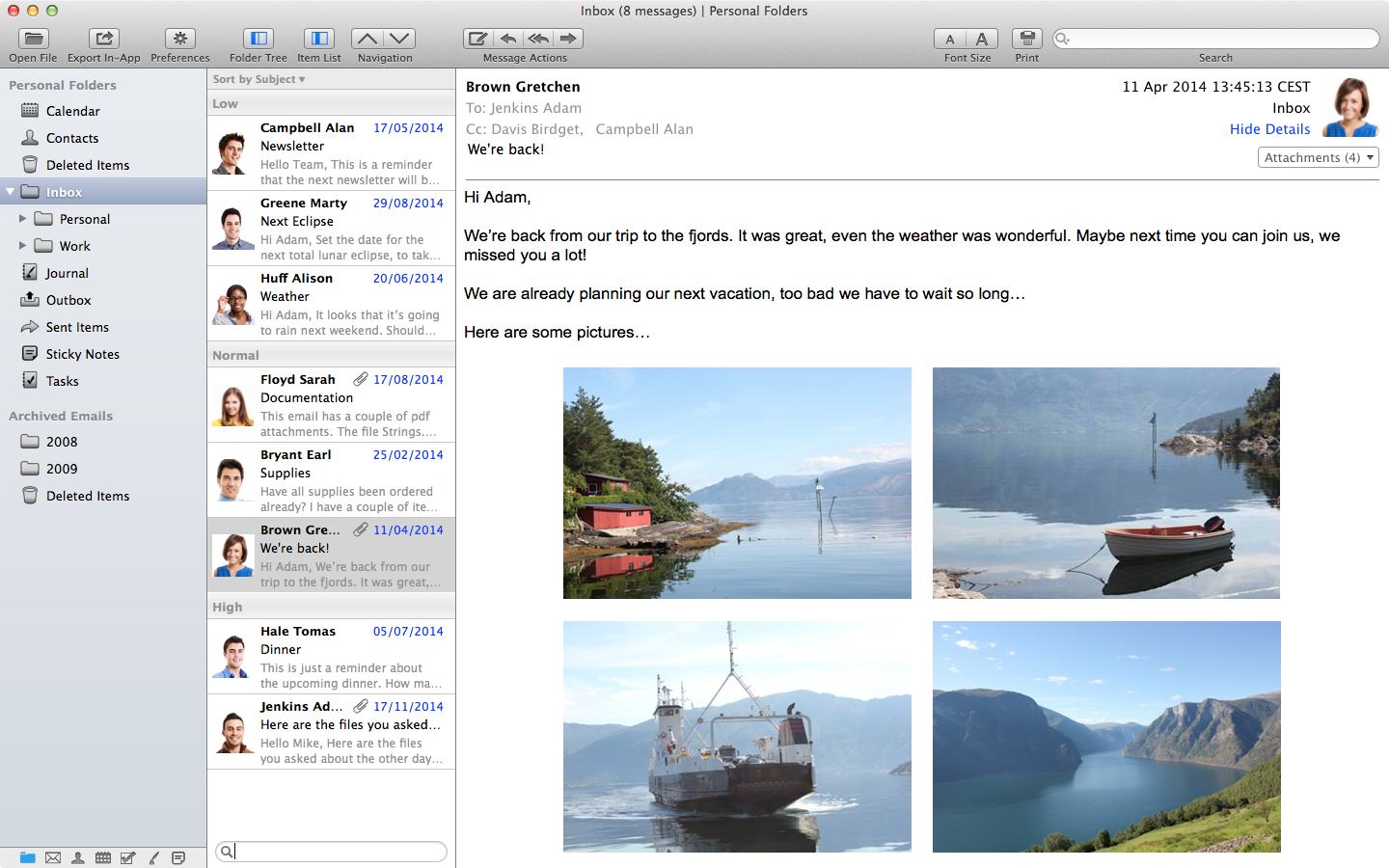
You have found the definitive solution for Outlook pst files! Not only you can convert the files to a format that is understood by your Mac. PST Bridge may also open your files and show all its contents in its own user interface. No conversion process required. It simply works.
- Works with all versions of Outlook pst files.
- No file size limit.
- Opens multiple pst files simultaneously.
Main Features
File Viewer
Visualize pst file contents directly. No need to convert data to other programs.
Export Wizard
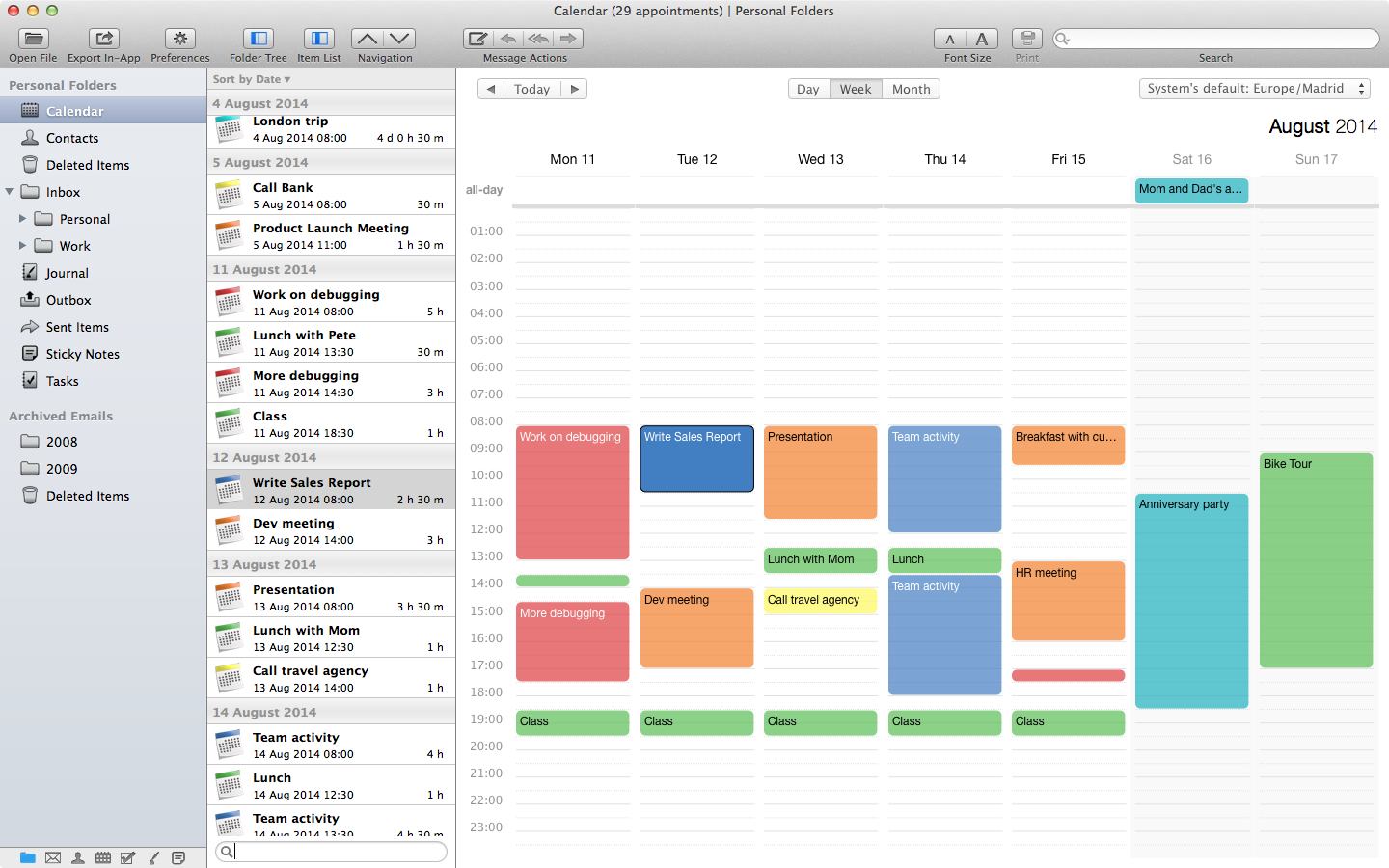
Transfer items to other programs. Export messages, contacts, appointments, tasks or sticky notes.
Address Book Integration
Use system contacts to enhance viewing experience or create new ones directly from messages.
Instant Search Results
Search items and obtain instant results.
Complex Search Patterns
Search multiple fields and patterns simultaneously and use AND/OR operators to join them.
Reply and Forward
Reply, Reply All or Forward messages in the pst file.
Preview Attachments
Most common attachment types may be shown in a quick preview window.
Folder Filter
Filter folder tree to show only folders of specific type.
All item types can be printed (contacts, messages, appointments, journals, notes, tasks)
More About PST Bridge
PST Bridge offers an easy solution to the problems that most Windows Outlook users face, when trying to access their information from Mac OS X. The application can act as both: an Outlook pst file viewer, or a file exporter.
Viewer: Users that are not switching to Mac, but instead work with both platforms, usually find themselves unable to access their Outlook information. Best case scenario, they export Outlook pst files and import them back in their Macs. This is a time consuming task, that works fine if you are a one-time switcher. However, if your Outlook pst files change often, the export/import process is not the way to approach it. For these users, PST Bridge can simply open the pst files just as Outlook would do, and will let you see all the information contained in them.
Export Wizard: If you are switching to Mac, you may prefer to convert all your Outlook data to a format that can be understood by the applications in your Mac. PST Bridge has a built-in Export Wizard that will help you achieve that:
- Messages are exported as mbox files and later imported into Apple Mail (or similar).
- Contacts are exported as vcard files and later imported with the Contacts application of your Mac (or similar app).
- Appointments are transferred directly into the Calendar application of your Mac.
- Tasks are transferred directly into the Reminders application of your Mac (this option requires OS X 10.8 or higher).
- Sticky Notes can be saved as individual files (rtf or txt). Notes may also be exported as mbox files and later imported by Apple Mail (or similar).
PST Bridge may be downloaded and/or purchased from our website (PST Bridge Pro), or from Apple's App Store (PST Bridge). To find out more about the difference between both versions, or if you need information about OS X compatible versions, please refer to our FAQ section.
Quick Tour Video
